Static snapshot of the Aleph Compliance marketing page as of
April 2026. Live version at alephco.io/how-it-works.
Aleph · Marketing · Last Updated
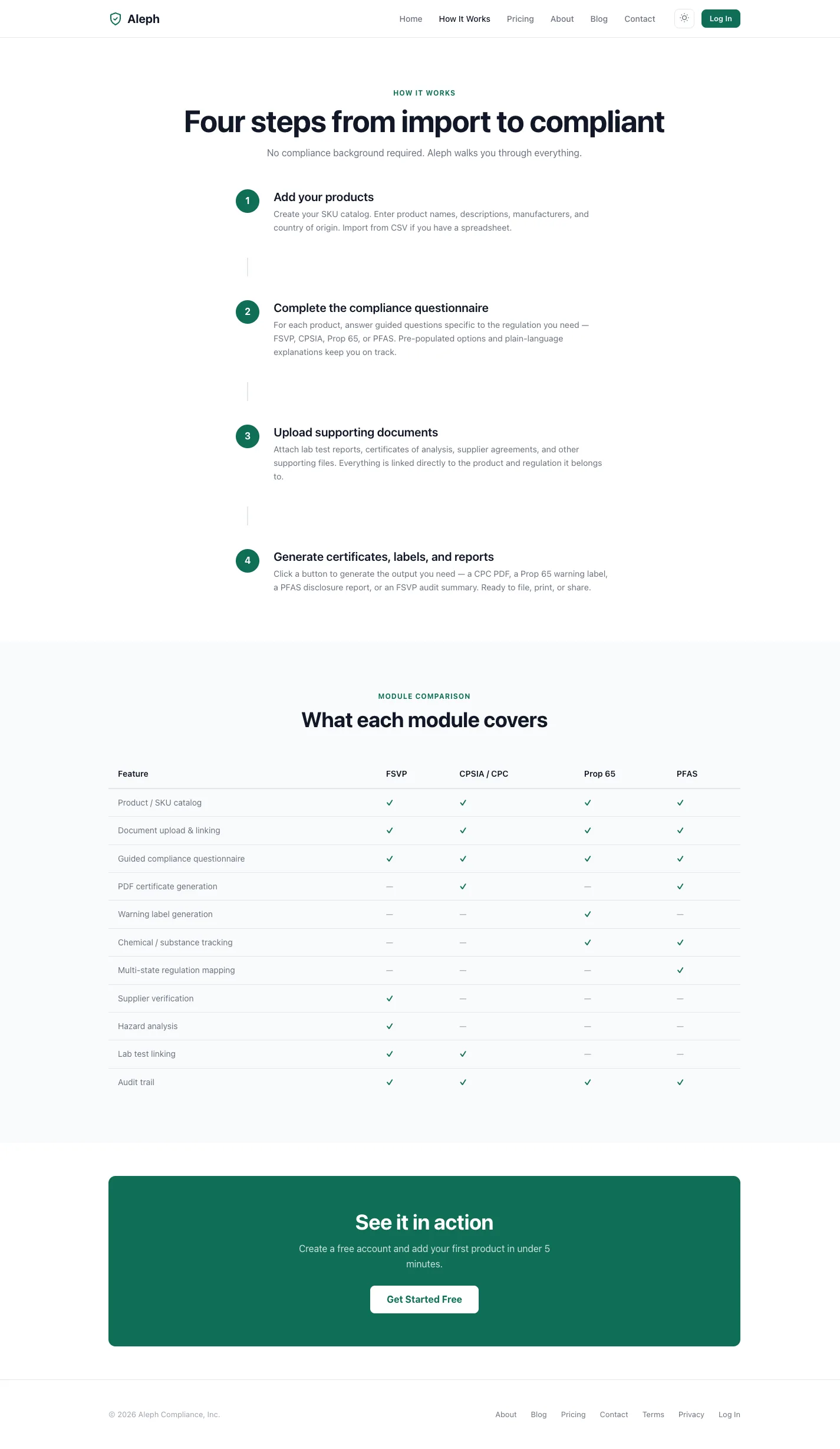
Four steps from import to compliant.
No compliance background required. Aleph walks you through everything
— from SKU catalog through generated certificate, warning label,
or disclosure report.
The four steps
01Foundation
Add your products.
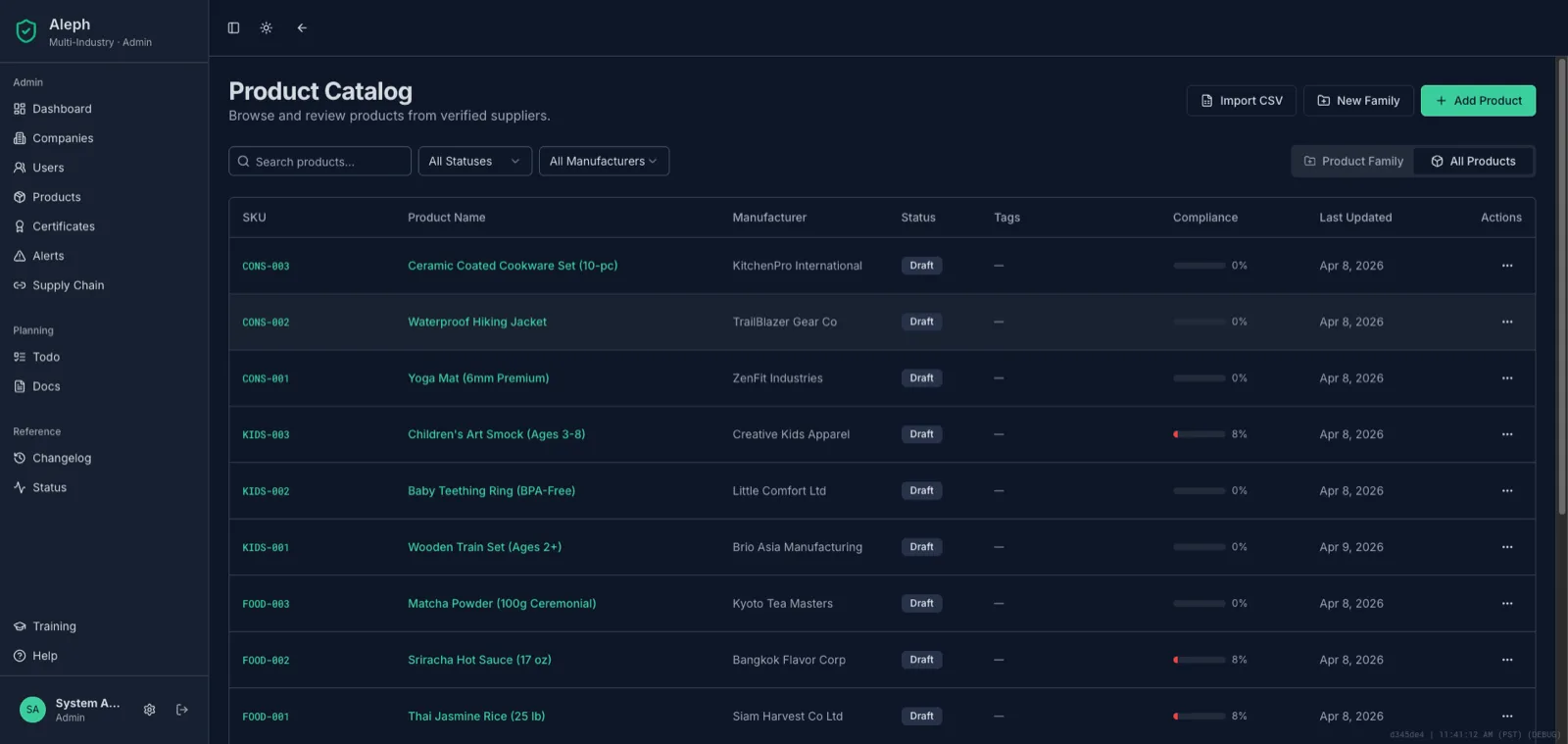
Create your SKU catalog. Enter product names, descriptions, manufacturers,
and country of origin. Import from CSV if you have a spreadsheet. Every
SKU is the anchor for the compliance work that follows.
02Assessment
Complete the compliance questionnaire.
For each product, answer guided questions specific to the regulation
you need — FSVP, CPSIA, Prop 65, or PFAS. Pre-populated options
and plain-language explanations keep you on track. No legal jargon.
03Evidence
Upload supporting documents.
Attach lab test reports, certificates of analysis, supplier agreements,
and other supporting files. Everything is linked directly to the product
and the regulation it belongs to — so when an audit hits, the
documentation chain is already assembled.
04Output
Generate certificates, labels, and reports.
Click a button to generate the output you need — a CPC PDF, a Prop 65
warning label, a PFAS disclosure report, or an FSVP audit summary. Ready
to file, print, or share.
What each module covers
One SKU catalog, four regulatory surfaces. Each module shares the same
product + document spine but generates regulation-specific outputs.